WEBSITE DEVELOPMENT
Public project21POS product & enquiry website
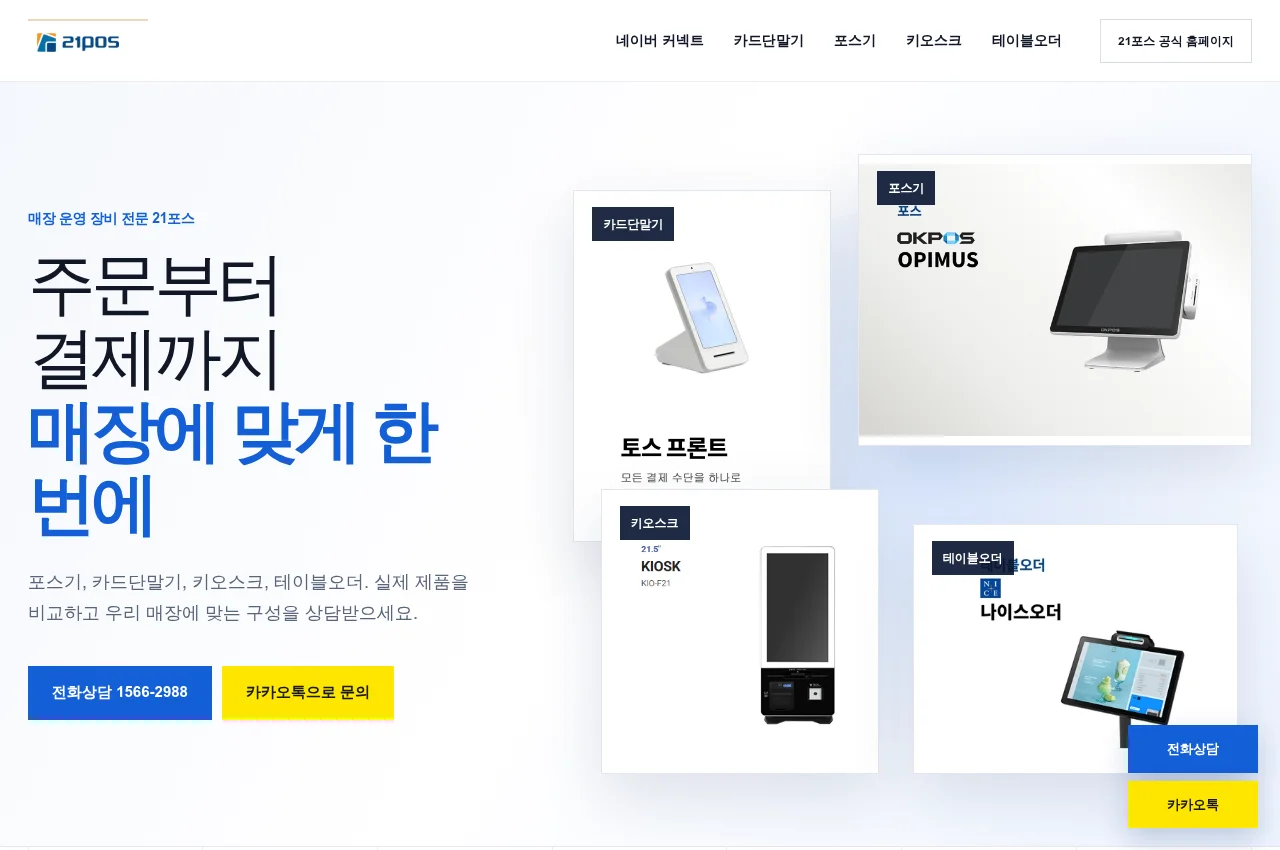
A product website that organises payment and ordering equipment into clear categories and enquiry routes.
Illustrative footage · Explore actual project screens below.
EXPLORE THE PROJECT
FEATURES & CAPABILITIES
Categories help visitors find Naver Connect, card terminals, POS, kiosks and table ordering information.
Product imagery, characteristics and use contexts support a more informed comparison.
Phone and Kakao routes sit alongside the relevant product information.
Mobile layouts connect product navigation, contact routes and company information.
WHAT YOU RECEIVE
Delivery scope and frequency are agreed before starting.
APPLICATION
Visitors can explore a known product category or discuss a suitable equipment combination.
We discuss the required data, features, permissions, rollout and support around your use case.
PUBLIC PROJECT SCREEN
RELATED EXPERTISE
LET’S TALK
A business website, Naver Place link or short workflow description is a good starting point.
Your selection is included in the consultation text below.
Copy the outline and paste it into Kakao, then add your business details. This page does not submit a consultation request.